
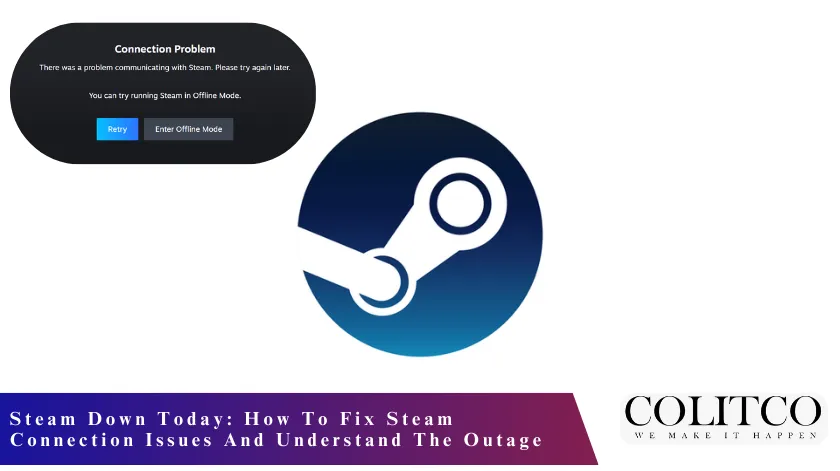
On Tuesday, Steam faced a significant service disruption that prevented thousands of users from accessing the platform. Problems reported on the network exceeded 41,000 users, most of which were login failures and server connectivity issues.
A large number of gamers could not launch the games, access the community features, or sign in to their accounts. The outage coincided with the most active hours of the day, thus increasing its impact among worldwide gaming communities.
Although Steam had previously experienced temporary disruptions, the high number of reports pointed to a technical issue affecting many users rather than individual user errors.

The steam outage affected thousands due to server and login issues.
What Problems Did Users Face During The Steam Outage?
The majority of the complaints were about failed server connections, stalled logins, and interrupted online gaming sessions. Players who wanted to enter multiplayer matches or download updates were faced with successive error messages.
Some users also complained about being unable to access community features like chats and friends. The outage caused gamers to vent their frustrations by using social platforms to check if it was only them or others who were experiencing issues.
The sudden increase in outage reports suggested that it was not a problem limited to one area only.
Is This A Steam Maintenance Update Or An Unexpected Failure?
As the outage took place, there was no official confirmation of any scheduled Steam maintenance update. Steam usually informs users in advance about planned maintenance, allowing users to get ready for the short interruptions.
Still, unplanned outages may take place because of server overloads, backend errors, or network interruptions. With no official word, users were in doubt whether the disruption was a case of regular maintenance or an error in the technical part. In the past, unexpected outages were taken care of as soon as the stability of the servers was restored.
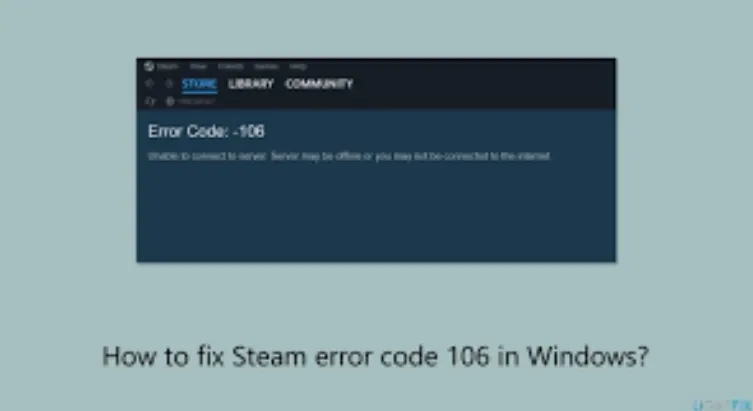
No official Steam maintenance; outage likely caused by server errors.
How To Fix Steam Connection Issues When Steam Is Down
For the users who are asking how to fix Steam connection issues, the very first thing to do is to check if the problem is indeed widespread. By restarting the Steam client, minor glitches can be solved, which happen especially after a brief server instability.
The next thing is to check internet connectivity to make sure that there are no local network issues that might be adding to the problem. Restarting routers or modems can help, as it refreshes the connections and boosts stability. If the Steam authentication of the connections is a struggle, then turning off the VPN services might work.
If the problems still continue, restarting the device can eliminate background processes that are not allowing Steam to work properly. On the other hand, if there are thousands of users who are complaining about problems at the same time, then the problem is most probably with the server.
In these instances, waiting for Steam to bring back the services is usually the best solution. Reinstalling should only be considered if the problems still exist after the outage is cleared.
What This Steam Outage Means For Global Gamers
The whole situation indicates Steam’s significant position in the world’s gaming ecosystem. The gaming platform is the only source of connectivity for millions of users to games, multiplayer, and credit purchase services.
Thus, short-term outages can easily disrupt tournaments, scheduled play, and even content releases. Additionally, the game developers and professional gamers will find their activities, such as engagement and performance tracking, affected by the outages. The disruption’s magnitude supports the need for sturdy infrastructure, which is already becoming a necessity as the global demand rises.
Steam’s outage highlights its crucial role in global gaming connectivity.
What Users Should Do Next To Stay Updated?
Players need to follow the official Steam updates closely to get information about when the services will be back. It is good to use the tools for tracking outages in real time, as this will enable one to know if the problems are being sorted out or still continuing.
One should not go through the troubleshooting process if the outages are confirmed, as this will just waste time. Normally, once the servers are running well, the connection problems will fix themselves. Being knowledgeable about the situation ensures that the users will respond correctly without risking the loss of data or configuration mistakes.
Also read: TPG Telecom Issues New Update on Triple Zero Outage Ahead of Senate Hearing
FAQs
- Why Is Steam Down Today For So Many Users?
There was a massive outage of Steam servers that made it impossible for thousands of players to connect and log in.
- How To Fix Steam Connection Issues During An Outage?
Restart Steam, ensure the internet is stable, turn off VPNs, and be patient until the server is restored.
- Is This Outage Part Of A Steam Maintenance Update?
The incident happened without a scheduled maintenance announcement, which means there was no confirmed maintenance during that time.
- Should I Reinstall Steam If It Is Not Working?
The server-related issues in the case of outages are usually resolved automatically, and hence, reinstallation is not advisable during the outage.