
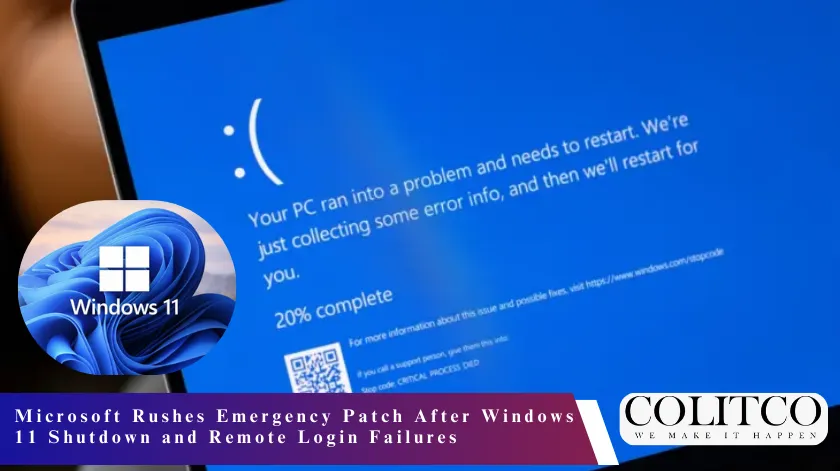
Microsoft released an emergency update after its January 2026 Windows 11 patch caused some computers to refuse to shut down. The update also broke remote login for certain users, forcing the company to act fast.
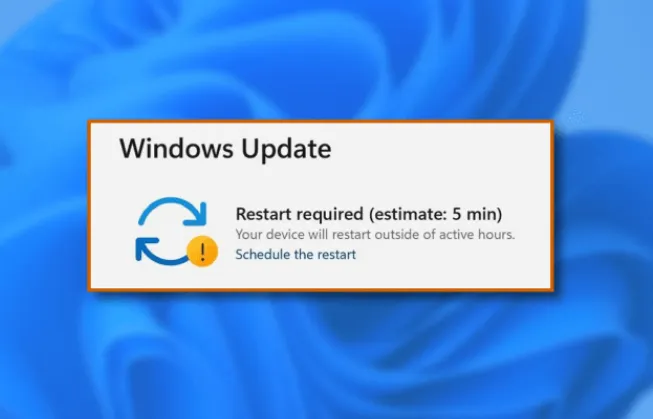
Microsoft releases an emergency patch for Windows 11 after shutdown and login issues. (Source: easeus)
Shutdown Fails on Enterprise and IoT Machines
The January 13 security patch created shutdown and hibernation problems on some Windows 11 machines. Enterprise and IoT versions of 23H2 were hit hardest.
People noticed that pressing “shut down” or “hibernate” sometimes just rebooted their machines. Microsoft traced it to Secure Launch, a security feature meant to protect the boot process.
The company said the problem only affected specific versions. They moved quickly to fix it because businesses were seeing interruptions.
Some users said their devices kept rebooting even after several attempts to shut down, frustrating IT teams and admins.
Remote Login Issues Spread Across Platforms
The same update also messed up remote login apps. Windows 11 25H2, Windows 10 22H2 ESU, and Windows Server 2025 users had trouble logging in.
Credential prompt errors blocked sign-ins for some organizations relying on remote work tools. IT teams reported workflow disruptions.
Microsoft released an out-of-band patch that fixed these login errors. Users confirmed on social media that remote access was restored.
Tweets from IT workers showed that connectivity was back, but noted some minor glitches still lingered.
Emergency Patch Brings Things Back
The emergency patch came out on January 17 and fixed shutdowns and remote login. Secure Launch devices now shut down normally.
IT teams confirmed the emergency patch restored normal shutdown and login functionality. (Source: Geeks2u)
It also fixed the credential prompt so users could log in remotely without errors. Microsoft pushed for quick installation to restore stability.
Many users reported that systems worked as expected after the update. Businesses said remote work and admin tasks were back on track.
IT teams said the patch made managing multiple machines easier and reduced delays caused by the earlier update.
Small Glitches Still Exist
Even with the emergency fix, some minor problems remain. Users reported blank screens on startup and occasional crashes in Outlook Classic.
Microsoft continues to track these issues and posts guidance in its support channels. Users are advised to follow instructions to troubleshoot remaining problems.
On Twitter, some users said shutdown and login worked, but small errors still affected daily work. IT teams are keeping an eye on and applying fixes where needed.
Microsoft encourages users to stay updated and report issues through official channels to keep systems running smoothly.
Out-of-Band Updates Are Not New
Microsoft has issued out-of-band updates before to fix urgent problems. Back in October 2025, a patch fixed problems in the Windows Recovery Environment.
These updates allow Microsoft to act fast instead of waiting for the regular monthly cycle. It keeps systems secure while critical bugs are fixed.
The January 2026 emergency patch follows the same approach. The company focused on fixing shutdown and login issues while maintaining overall security.
IT admins say these updates, while rare, are necessary to keep business operations running and prevent security gaps from new patches.
Options for Users on Older Systems
People avoiding Windows 11 can still use Extended Security Updates for Windows 10. It keeps devices protected beyond the usual support period.
Businesses can maintain security while delaying the move to Windows 11. Microsoft recommends installing all updates to prevent problems and keep functionality intact.
Extended Security Updates make sure Windows 10 devices stay protected against critical vulnerabilities. Companies use this to manage large networks while planning eventual upgrades.
This option gives organizations a chance to balance stability with security while watching Windows 11 updates for improvements.
Monitoring and Reporting After Updates
Microsoft continues to watch user reports after the emergency patch. Remaining bugs are logged in support channels.
Users are encouraged to install the patch and follow guidance if problems persist. Reporting helps Microsoft fix future patches faster and keeps systems stable.
The January 2026 update shows Microsoft’s process for handling urgent system failures quickly. Monitoring, reporting, and corrective action remain key to keeping computers running.
IT teams are advised to check update logs, confirm patches are applied, and report anomalies to Microsoft support.
Also Read: Fletcher Jones to Close All Stores After Nearly 100 Years in Australian Retail
Real-Time Feedback from Users
Users said the patch fixed the worst problems within hours. Shutdowns and login issues no longer affect most workflows.
Social media posts from IT professionals confirmed the update restored normal operations. Some minor display glitches remain, which Microsoft is monitoring.
The quick response shows Microsoft addressing major functionality problems fast. Users are reminded to follow official updates and install all patches promptly.